

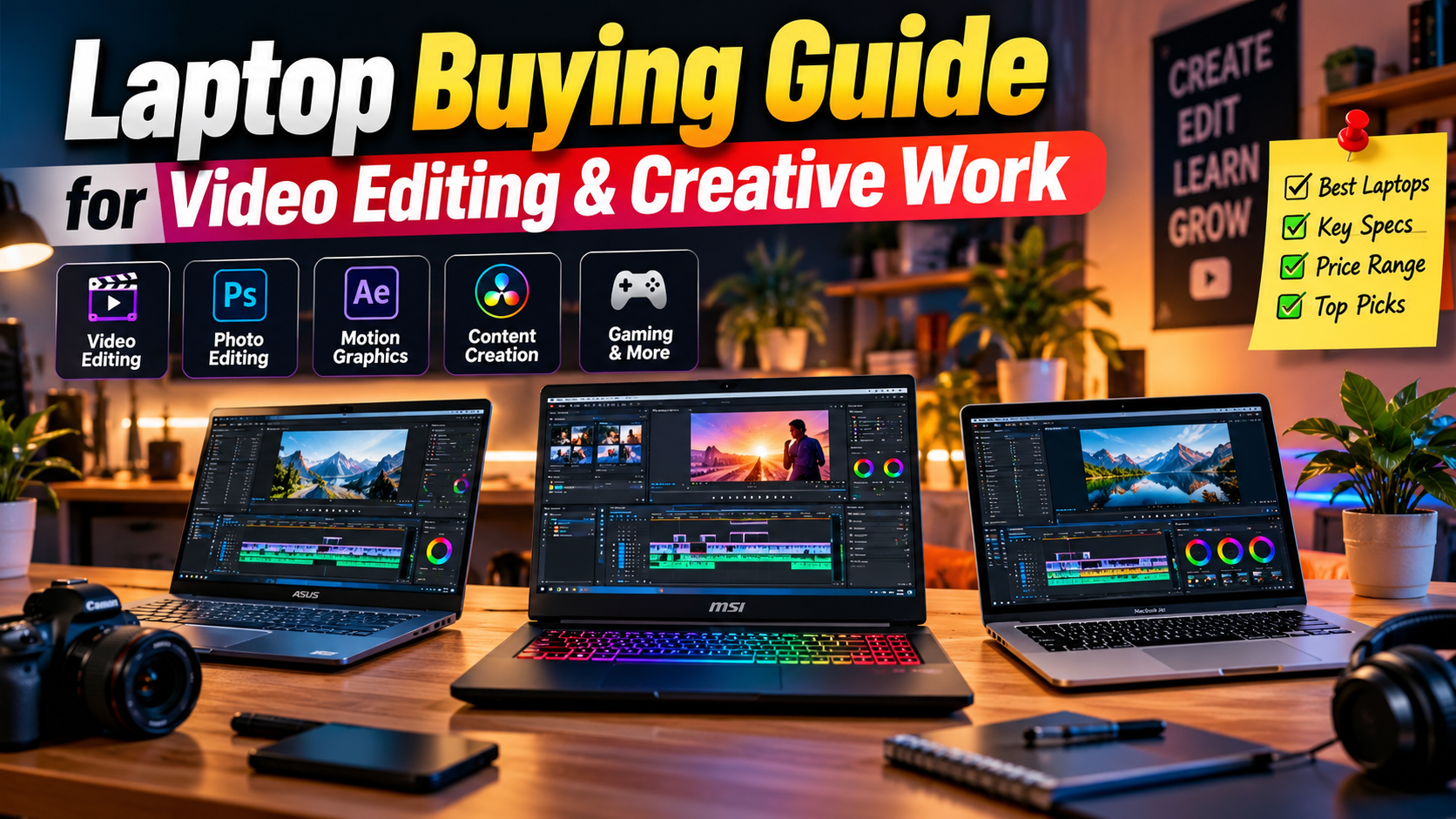
Laptop Buying Guide for Video Editing & Creative Work
Selecting the best laptop for video editing and creative work is a different beast than simply purchasing a general-use laptop, because creative applications run differently when under load than a browser or a spreadsheet. A YouTuber exporting a 15-minute 1080p video, a graphic designer using Photoshop layers, and a laptop for video editors running DaVinci Resolve are all putting a machine to different tests, even though they all fall under the umbrella of “creative work.” Our blog will tell you exactly what to look for based on your specific workload and budget, rather than a run of the mill spec sheet
What to Look for in a Laptop for Video Editing and Creative Work
- Processor (CPU): The workhorse that decodes footage, processes effects and exports. A slow CPU means longer export times every time you publish.
- GPU: Hardware-accelerates effects, colour grading, and video scrubbing. Without GPU acceleration, even on a speedy CPU, timelines stutter.
- RAM for video editing: How many apps and browser tabs you can have open with your editor before it slows down or crashes?
- SSD for video editing: Influences loading speed of large video files and how soon your OS and software start-up. HDDs disrupt every creative flow of work.
- Colour accurate display: Bad panel, and the colours you grade will never match what your audience sees on YouTube or Instagram. • Resolution: Higher resolution allows you to view more detail, but it’s only useful if you have accurate colours.
- Thermal performance: Rendering continuously creates heat; overheating causes the CPU/GPU to throttle mid-export.
- Battery life: If you shoot and edit in the field, not at a desk, this is important.
- Ports and Connectivity: You want Thunderbolt/USB-C and HDMI for external SSDs, capture cards, second monitors and more.
- Upgradability: The RAM and storage slots work similar to how RJ45 jacks in skyscrapers work, by allowing you to extend a laptop’s life as your workload grows.
Laptop Requirements Based on Your Creative Work
Best Laptop Requirements for YouTubers
Straightforward 1080p talking head editing can be done comfortably with an i5/Ryzen 5 with 16GB RAM. Thumbnail creation in Photoshop adds light GPU load. If you’re on the go and doing laptop for Premiere Pro or laptop for DaVinci Resolve type processing with multiple B-roll layers and whatnot, 16GB RAM is the realistic floor. 4K video editing boosts RAM requirements to 32GB and a GPU with at least 4-6GB VRAM is needed to avoid laggy timeline scrubbing. Full Laptop Buying Guide at ₹49
Best Laptop Requirements for Bloggers
However, a laptop for bloggers does not have to have beefy specs. Writing, managing WordPress, doing tab-heavy SEO research in-browser, using Canva and compressing images basic all run fine on an i3/Ryzen 3 with 8GB of RAM. Get 16GB of memory helps once you start loading up on SEO tools and a CMS dashboard, etc. Don’t shell out too much for the GPU here; it’s useless for a writing-first workflow.
Best Laptop Requirements for Photoshop Users
Adobe does not release Photoshop laptop requirements separately, as it does for Premiere Pro, but the bottom line is that you will want at least 16GB RAM for working with lots of layers and large files, and a fast SSD for your scratch disk. An Intel Core i5/AMD Ryzen 5 is more than enough for most photo retouching and compositing tasks, and a discrete GPU is only really useful for GPU-accelerated filters and handling large PSD files.
Best Laptop Requirements for Video Editors
The real video editing laptop requirements are all down to resolution and complexity:
- Simple 1080p editing: Core i5/Ryzen 5, 16GB RAM, integrated graphics.
- Advanced 1080p editing (multi-layer, effects): Core i7/Ryzen 7, 16-32GB RAM, GPU w/ 4GB+ VRAM.
- 4K editing: 32GB RAM, GPU w/ 6-8GB VRAM, per Blackmagic Design’s recommended specs for DaVinci Resolve at 4K.
- Color grading and heavy effects: GPU becomes the bottleneck before the CPU, as grading and noise reduction run almost entirely on the graphics card.
Best Laptop Requirements for Graphic Designers
For the lighter end of the spectrum, Illustrator and Canva are less demanding than Photoshop but still run best with 16GB RAM for large multi-artboard files. The choice of laptop for graphic design work is less about raw power and more about the quality of the display: a color accurate display with good sRGB coverage prevents costly print or client-delivery color mismatches that are expensive to fix after the fact. Best Laptop Requirements for Other Creative Professionals
For content creators, freelancers, photographers, and UI/UX designers doing Lightroom edits or Figma work, the requirements are similar to graphic designers: 16GB RAM, a quality display, and a Core i5/Ryzen 5 level processor handles most day-to-day tasks without needing a discrete GPU.
How Much RAM Do You Need for Creative Work
- 8GB: Two words: light writing and browsing, maybe some very light writing and browsing! Also light Canva/Photoshop touch-ups. But it is Not nearly enough for real editing timelines.
- 16GB: The practical minimum for the majority of artists. For HD media editing in Premiere Pro, Adobe itself has a minimum 16GB requirement with the 32GB recommended for 4K.
- 32GB+: For 4K timelines, intensive color grading, Fusion-based motion graphics, or running Photoshop and Premiere Pro simultaneously.
Your RAM requirements are based on your software and footage resolution, not your job title, so go by your actual project files and not your job description.
Which Processor Is Best for Video Editing and Creative Work?
CPU This is the main determining factor for the best processor for video editing: Adobe’s official Premiere Pro system requirements include Intel 7th Gen or later, or an equivalent AMD Ryzen 3000-series processor (as the recommended minimum), and further generations of either brand are expected to enhance encode/decode processing capabilities by means of integrated media engines such as Intel Quick Sync.Clocks per second is a performance metric for CPUs that is related to speed, so it is convenient to know what hardware you are using. Performance of the CPU in the rendering speed, export speed and how many background apps you can run while scrubbing a timeline is the most important aspect one should consider while buying laptop for video editing.
Apple Silicon (M-series) chips provide great performance in Premiere Pro and DaVinci Resolve with unified memory, while neither Intel nor AMD is simply “better” the best option depends on your budget, OS preference, and if you need windows-exclusive plugins.
Do You Really Need a GPU for Video Editing and Graphic Design?
Basic 1080p editing, Photoshop touch-ups, and blogging-adjacent design work can be done with integrated graphics (Intel Iris Xe, AMD Radeon). You should consider using a dedicated GPU for video editing if you work with:
- 4K footage or multi-cam sequences
- Real-time color grading and noise reduction in DaVinci Resolve, which is described as GPU-bound as opposed to CPU-bound in Blackmagic Design’s own documentation
- Extensive effects, transitions or motion graphics processing
- Large PSD files with GPU-accelerated filters in Photoshop
If you limit your work to basic photo editing or short 108p cuts, then forget about buying a dedicated GPU and instead spend that money on more RAM or a better monitor.
What Screen Is Best for Creative Work?
Resolution and refresh rate are the two most advertised specifications, but they don’t correspond to color accuracy. Commander Underscore says:
- IPS panels to enable consistent color at wider viewing angles – stay away from cheap/oem TN panels if you’re doing any visual work.
- 95-100% sRGB for web and social channels, DCI-P3 is relevant only if you’re delivering video to cinema or maybe premium streaming.
- Full HD (1080p) is good enough for most YouTube and blogging activities; the only reason to get a higher resolution is if the panel is color-accurate, as well. • Brightness of 300 or higher nits if you’re using it outdoors or in a bright work space. Refresh rates over 60Hz is a gaming thing which has little-to-no relevance to color grading or design work, so don’t shell out extra for it in a creative laptop.
Best Laptop Specifications in Every Budget
Laptop Under ₹40,000
Core i3/Ryzen 3, 16GB RAM, 512GB SSD, integrated graphics. Great for bloggers, light Photoshop dabs, and basic 1080p cuts sans effects. You will experience lag when using multi-layer timelines or Fusion effects.
Laptop Under ₹50,000
Core i5/Ryzen 5, 16GB RAM, 512GB SSD. This is the practical starting point for everyday 1080p YouTube editing and some basic Photoshop work. Dedicated GPUs are rare at this price; you’ll only find integrated graphics.
Laptop Under ₹60,000
Core i5/Ryzen 5, 16GB RAM, faster SSD, sometimes a better colour screen. Can handle more demanding 1080p timelines and run creative software simultaneously, but editing 4K will be a struggle.
Laptop Under ₹70,000
At this price point, we begin to see entry-level dedicated GPUs (4GB VRAM class, like the RTX 2050), with the Core i5/Ryzen 5 and 16GB RAM. It can do some light 4K editing and more serious effects work, but it won’t be the super smooth 4K colour grading experience that Blackmagic recommends in its specs (a 32GB RAM, 6-8GB VRAM PC that is way above this price point).
Laptop Buying Mistakes Creative Professionals Should Avoid
Read processor name only and consider RAM and GPU also when you purchase.
•Ignoring RAM to opt for a “faster-sounding” CPU.
•“Too high” resolution in a display with poor colour accuracy.
•Get a 256GB storage if you drain that stuff in weeks from video and RAW photo files.
•Don’t skip thermal design, because sustained exports throttle on badly cooled machines.
•If you want portability and screen quality rather than max gpu power, don t get a heavy gaming laptop.
•Don’t purchase an ultra-thin laptop for extended 4K rendering before reading up on sustained (as opposed to peak) performance reviews.
•Skip features like high refresh rate or RGB keyboards that don’t make your editing workflow any better.
How to Pick the Best Laptop for Work
1. What’s gonna be doing the brunt of work (writing, photo editing, 1080p or 4K video)?
2. Identify the software that you use every day.
3. Select your minimum RAM size according to the software’s minimum requirements.
4. Decide whether your workload is primarily GPU–intensive (color grading, effects) or CPU–intensive (encoding, multitasking).
5. Make display color accuracy a top priority if you work with images or video.
6. Grab at least 512GB of SSD storage, more if you’re shooting a lot of 4K.
7. Check sustained perf and thermals reviews not just spec sheets.
8. Tie all of the above into your budget tier, and avoid getting specifications you’ll never use.
Frequently Asked Questions
How much RAM is Enough For Video Editing?
16GB is the realistic minimum for HD editing; Adobe recommends 32GB for 4K Premiere Pro projects. This is something you should tailor to your footage resolution, not a one-size-fits-all rule.
Is 16GB RAM Enough For Photoshop?
Yes, for most daily retouching and multi-layer work. 32GB is more advantageous for very large canvas sizes or GPU-accelerated filters.
Do YouTubers Need A Dedicated GPU?
Only if editing 4K footage or doing heavy effects and color grading. Integrated graphics are perfectly capable of basic 1080p talking-head edits.
Which Processor is Best For Video Editing?
Modern Intel Core and AMD Ryzen chips both exceed Adobe’s recommended specs; the best choice depends on your budget and OS, not just the brand name.
Is an OLED Display Good For Graphic Design?
OLED offers great contrast and colour, but you always need to check for RGB/DCI-P3 coverage, as “OLED” doesn’t automatically guarantee accurate colour.
Can a Laptop Under ₹50,000 Do Video Editing?
Yes, for basic 1080p cuts without heavy effects. The integrated graphics at this price point will struggle with multi-layer 4K timelines.
Is 512GB SSD Enough For Content Creators?
It’s a feasible minimum, but regular 4K footage or RAW photography will eat through that space quickly; complement with an external SSD for projects you’re working on.