
Best Laptops Under ₹80,000 for Students & Professionals in 2026
BudgetTech understands that every user has unique aspirations and requirement when they decide to buy laptop. If you are going to buy the Best Laptops Under ₹80000 in India, then no look further than BudgetTech as this platform has earned incomparable reputation in giving unbiased, honest, transparent and research-based reviews and recommendations of best laptops according to the usage of different users. Moreover, you can also get credible feedback rating and reviews of the Best Laptops Under ₹90000 so that one can make the more informed decision.
Best Budget Laptop Under 80000 For Gaming , Video Editing & All Use Case
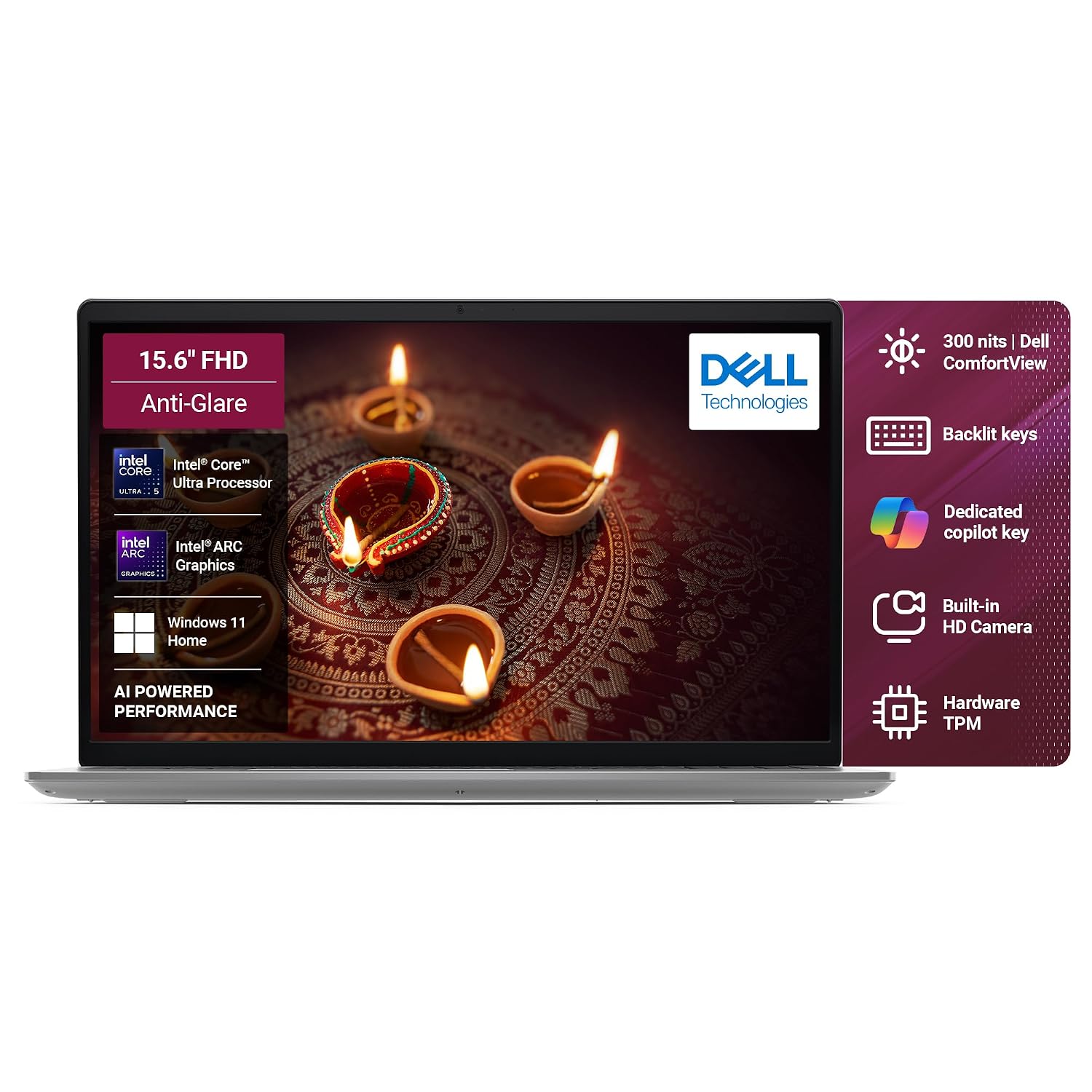
Dell 15 AI
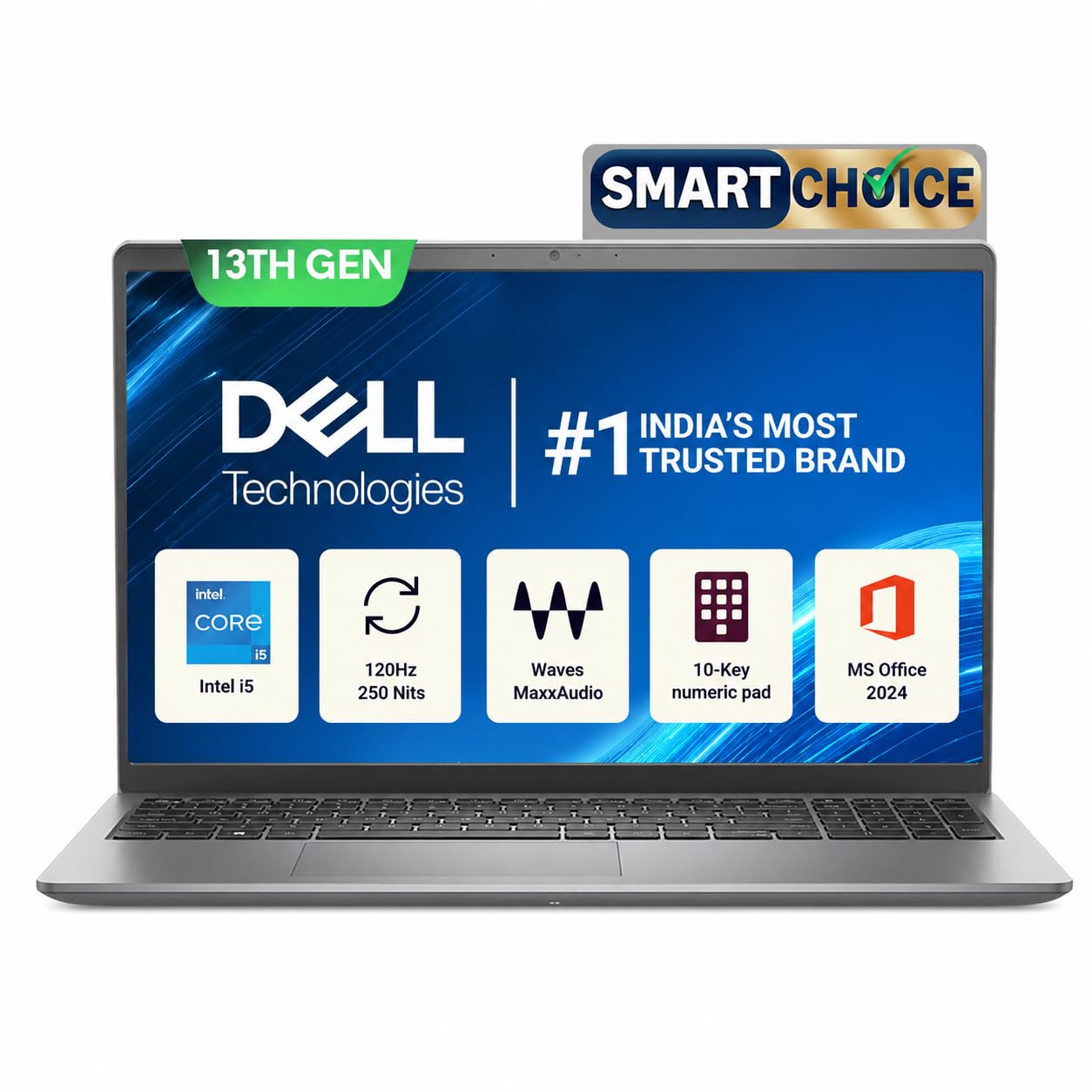
Dell 15 SmartChoice
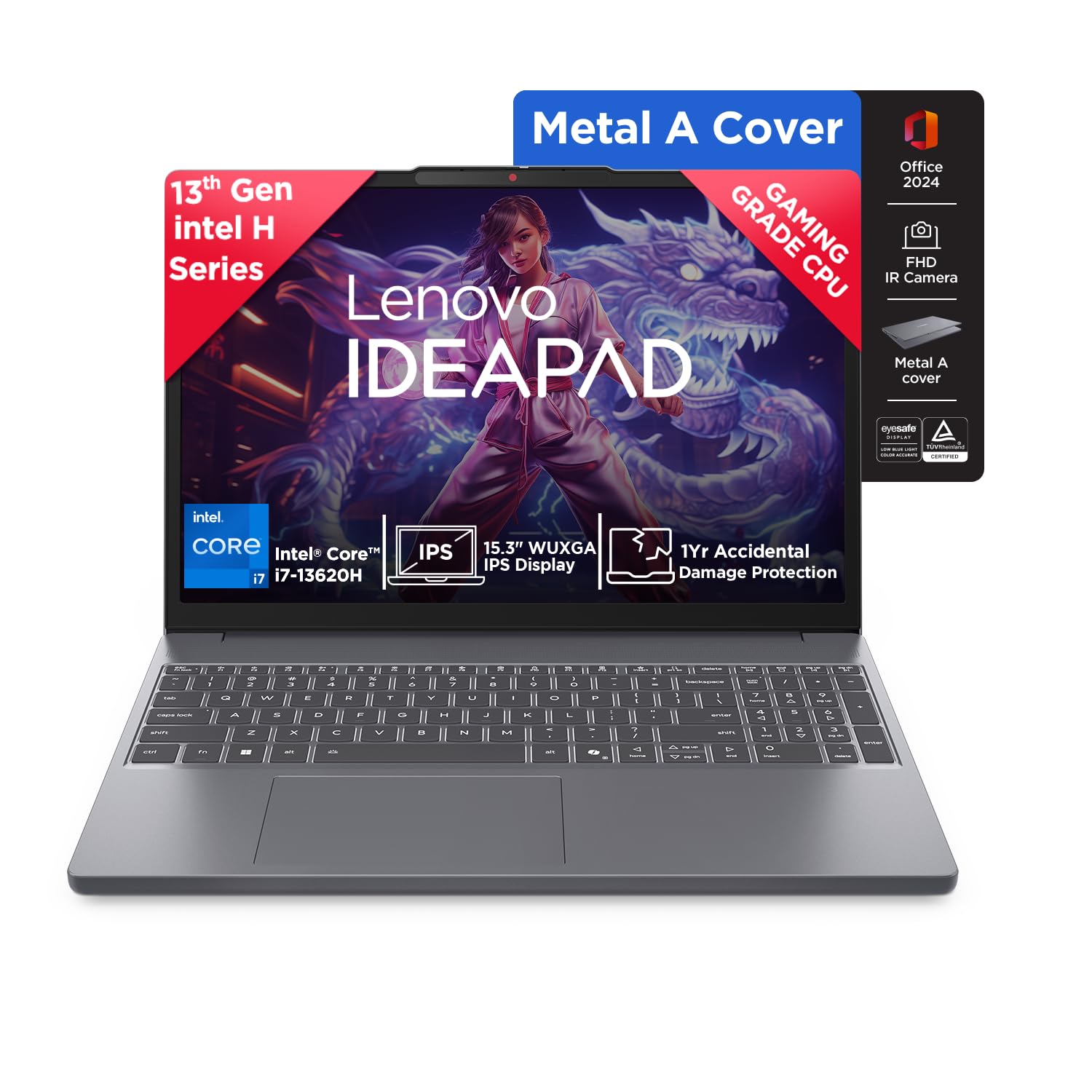
Lenovo IdeaPad Slim
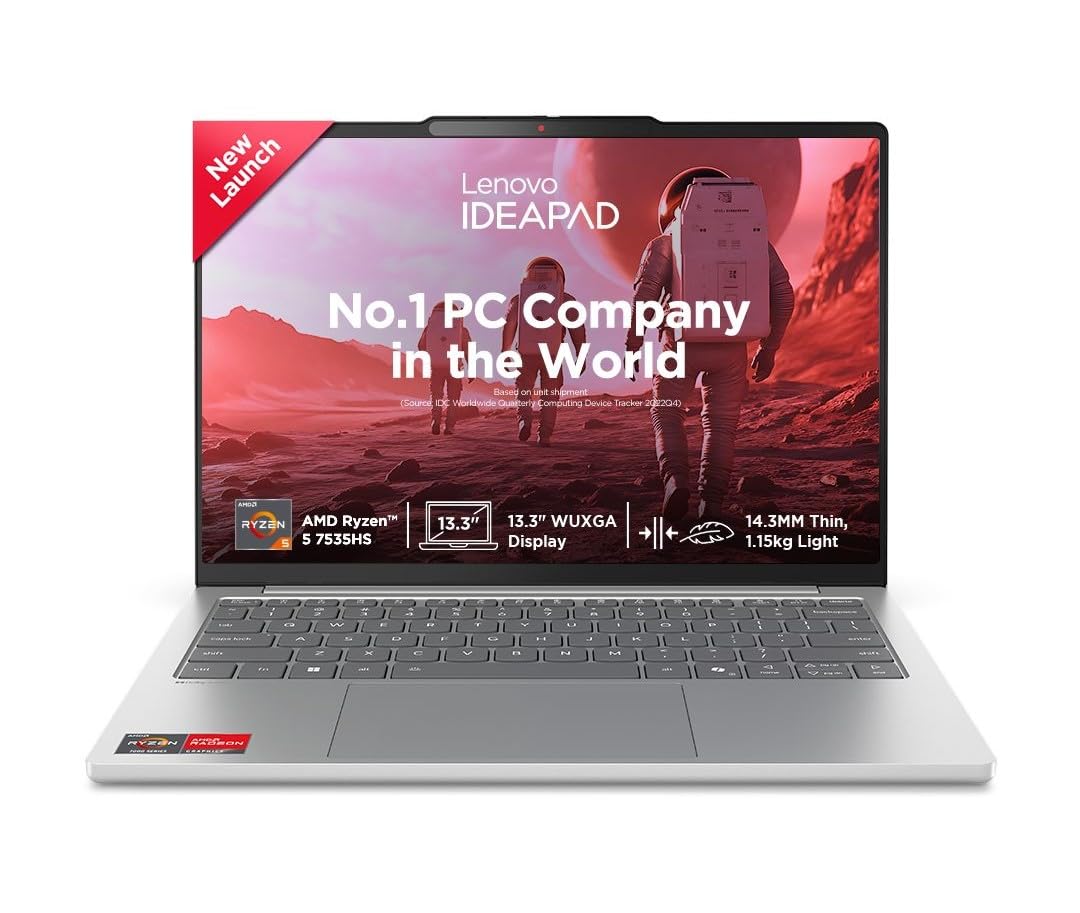
Lenovo IdeaPad Slim
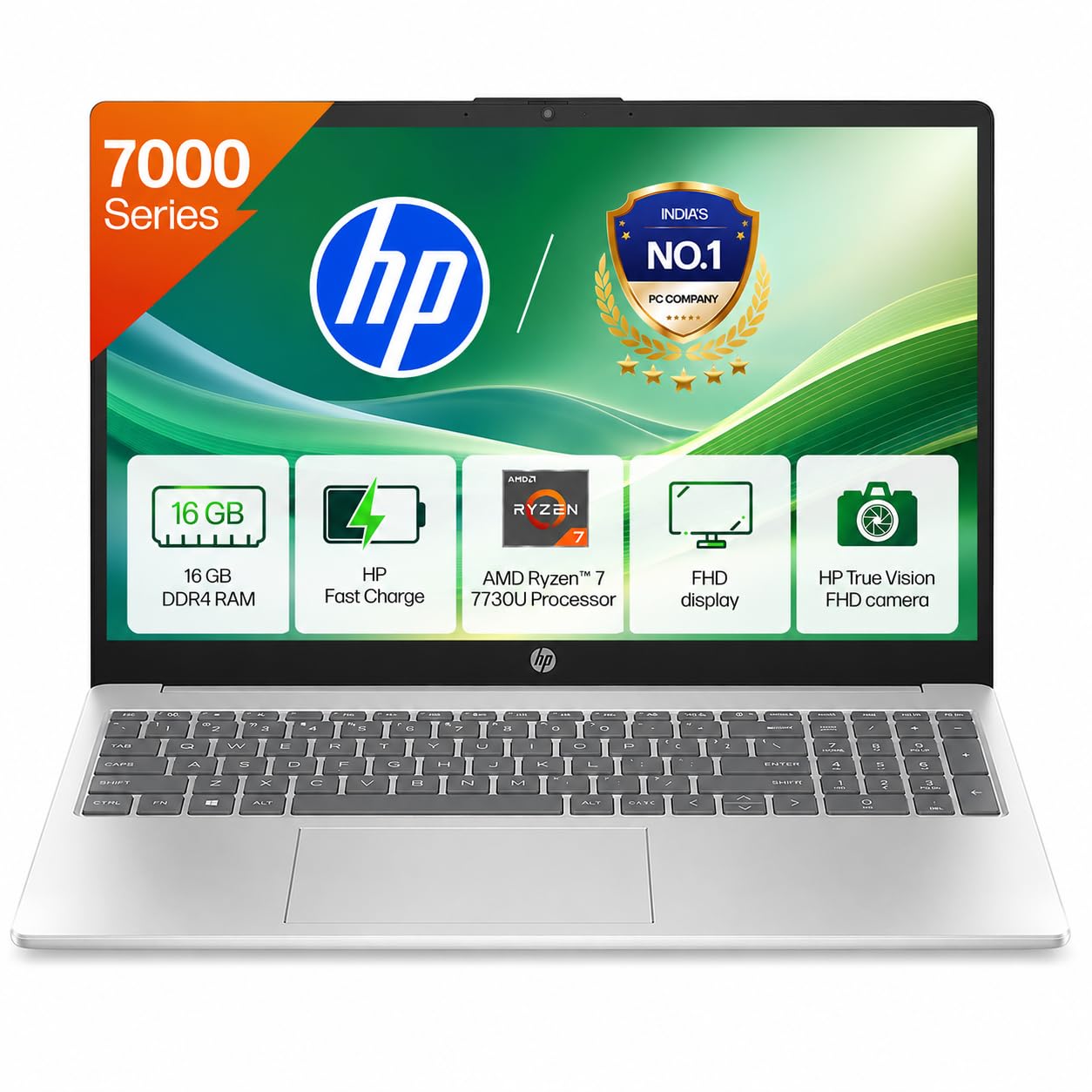
HP 15
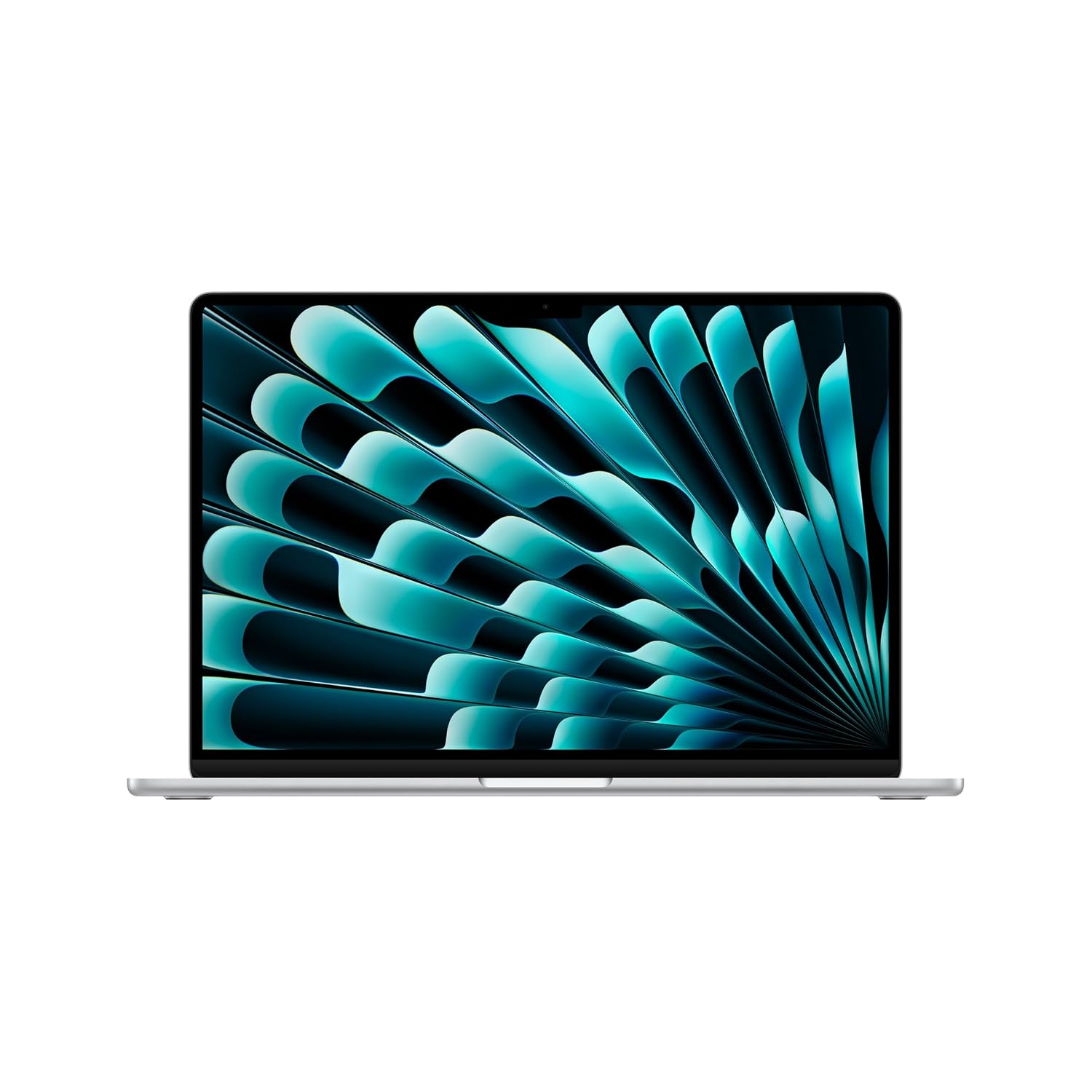
MacBook Neo 13
HP 15 Laptop
HP OmniBook 5
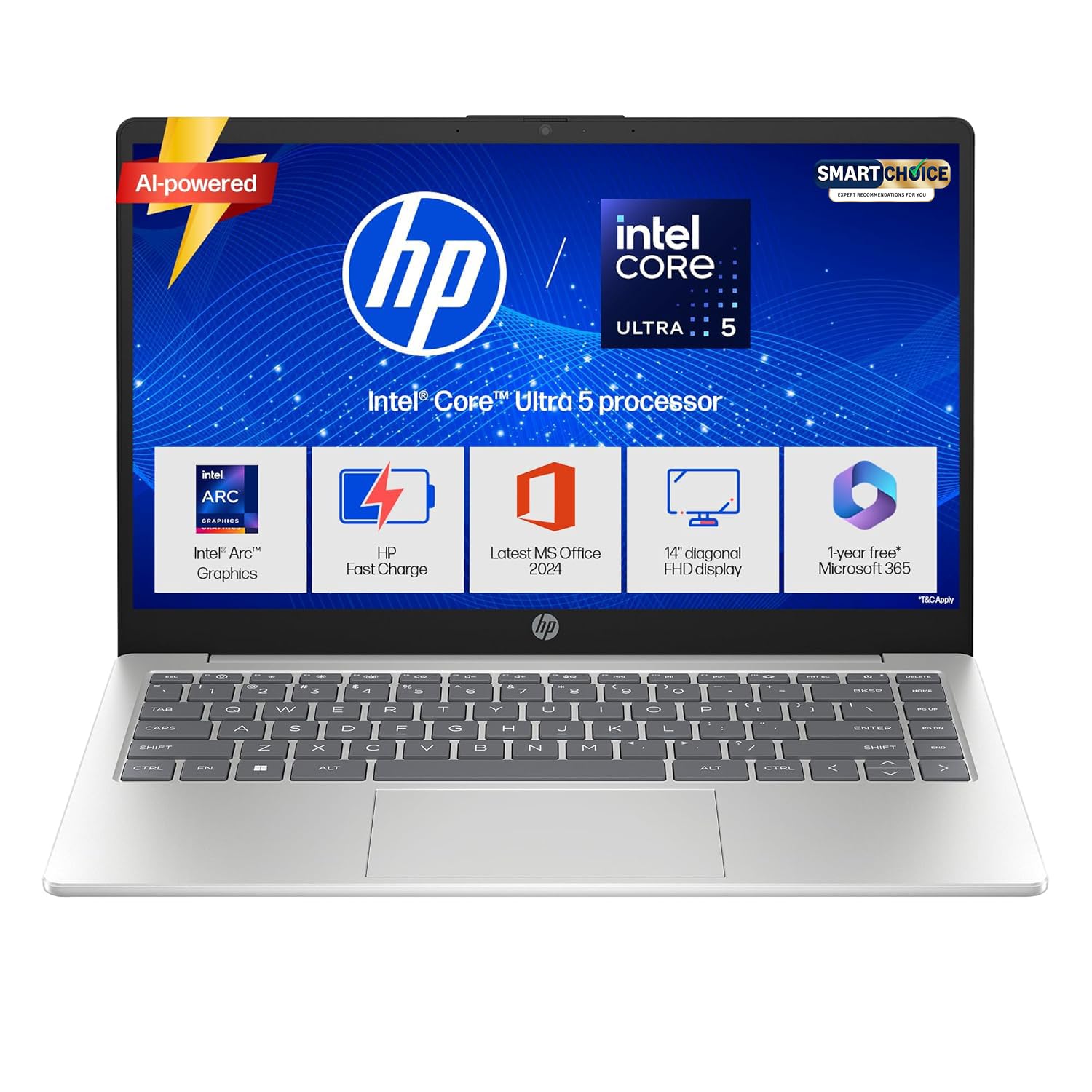
HP Omnibook 3
Best Laptops Under ₹80,000 — Comprehensive Comparison Table
| Laptop | Price | Processor | Display | RAM / Storage | Operating System | Student Use |
|---|---|---|---|---|---|---|
| Dell 15 AI | ₹74,990 | Intel Core Ultra 5 | 15.6-inch | 16GB / 512GB SSD | Windows 11 Home | Study + Coding + Multitasking |
| Dell 15 SmartChoice | ₹70,990 | Intel Core i5 | 15.6-inch | 16GB / 1TB SSD | Windows 11 Home | Study + Storage + Multitasking |
| Lenovo IdeaPad Slim | ₹74,140 | Intel Core i5 | 15.3-inch | 16GB / 512GB SSD | Windows 11 Home | Study + Coding + Daily Use |
| Lenovo IdeaPad Slim | ₹79,990 | AMD Ryzen 5 7535HS | 13.3-inch | 16GB / 512GB SSD | Windows 11 Home | Coding + Performance + Study |
| HP 15 | ₹71,950 | AMD Ryzen 7 | 15.6-inch (39.6 cm) | 16GB / 512GB SSD | Windows 11 Home | Coding + Multitasking + Study |
| MacBook Neo 13 | ₹78,990 | Apple A18 Pro | 13-inch | 8GB / SSD | macOS | College + Study + Portability |
| HP 15 Laptop | ₹78,900 | Intel Core i5 | 15.6-inch | 16GB / 512GB SSD | Windows 11 Home | Study + Coding + Office Work |
| HP OmniBook 5 | ₹73,490 | Intel Core 3 | 14-inch Anti-Glare | 8GB / 512GB SSD | Windows 11 Home | Study + Browsing + Daily Use |
| HP Omnibook 3 | ₹72,990 | Qualcomm Snapdragon X | 14-inch Anti-Glare | 16GB / 512GB SSD | Windows 11 Home | Study + Portability + Daily Use |
Pros & Cons
Dell 15 AI
Pros
✅ Intel Core Ultra 5 processor
✅ 16GB RAM + 512GB SSD
✅ Large 15.6-inch display
✅ Good for students, coding and office work
Cons
❌ 512GB storage may be limiting for heavy users
❌ 15.6-inch size is less portable than a compact laptop
❌ Higher price compared with some Core i5 options
Dell 15 SmartChoice
Pros
✅ Intel Core i5 processor
✅ 16GB RAM + 1TB SSD
✅ Large 15.6-inch display
✅ Excellent storage capacity for students
Cons
❌ 15.6-inch laptop is less portable
❌ Not the best choice if you specifically need a compact laptop
❌ Core i5 is less performance-focused than higher-tier processors
Lenovo IdeaPad Slim
Pros
✅ Intel Core i5 processor
✅ 16GB RAM + 512GB SSD
✅ 15.3-inch display
✅ Good for study, coding and daily multitasking
Cons
❌ 512GB storage may feel limited for large files
❌ Larger screen size makes it less compact
❌ Not ideal if you need maximum portability
Lenovo IdeaPad Slim
Pros
✅ AMD Ryzen 5 7535HS processor
✅ 16GB RAM + 512GB SSD
✅ Compact 13.3-inch display
✅ Good choice for performance-focused students
Cons
❌ 13.3-inch display may feel small for long study sessions
❌ 512GB storage may be limiting for heavy users
❌ Higher price than some similar-spec options
HP 15
Pros
✅ AMD Ryzen 7 processor
✅ 16GB RAM + 512GB SSD
✅ Large 15.6-inch display
✅ Good for coding, multitasking and college work
Cons
❌ 15.6-inch size is less portable
❌ 512GB storage may be limiting for heavy users
❌ Not the most compact option for students who travel frequently
MacBook Neo 13
Pros
✅ Apple A18 Pro processor
✅ Compact 13-inch display
✅ macOS experience
✅ Good portable option for college students
Cons
❌ Only 8GB RAM
❌ Storage capacity is not specified in the listing
❌ macOS may not be suitable for students who depend on Windows-only software
❌ Smaller 13-inch screen may feel less comfortable for extended study
HP 15 Laptop
Pros
✅ Intel Core i5 processor
✅ 16GB RAM + 512GB SSD
✅ Large 15.6-inch display
✅ Good for students, coding and office work
Cons
❌ 512GB storage may be limiting for heavy users
❌ 15.6-inch size is less portable
❌ Higher price compared with some other Core i5 laptops
HP OmniBook 5
Pros
✅ 14-inch anti-glare display
✅ 512GB SSD
✅ Compact size for college students
✅ Good for study, browsing and everyday work
Cons
❌ Only 8GB RAM
❌ Intel Core 3 is less powerful than higher-tier processors
❌ Not the best choice for heavy multitasking
HP OmniBook 3
Pros
✅ Qualcomm Snapdragon X processor
✅ 16GB RAM + 512GB SSD
✅ 14-inch anti-glare display
✅ Good balance of portability and storage for students
Cons
❌ Snapdragon platform may have software compatibility limitations with some Windows applications
❌ 512GB storage may be limiting for heavy users
❌ Not the ideal choice for students who need maximum application compatibility
What Our Customer Says About Us

FAQ
1. Which is the Best Laptop Under ₹80,000 in India?
Your needs will determine the finest laptop under ₹80,000. Think about getting a laptop with a strong processor, SSD storage, at least 16GB of RAM, and a display that is appropriate for the task you plan to do.
2. What Is an Ideal Laptop for Office Work Under ₹80,000?
A laptop with a contemporary processor, 16GB RAM, a convenient keyboard, a long battery lifespan, and a compact design is ideal for working in the office.
3. Is It Worth Purchasing an OLED Display for a Laptop Under ₹80000?
An OLED display is appealing for recreational and creative work because it can provide intense blacks, strong contrast, and vivid colours. Before purchasing, evaluate the brightness, colour precision, and burn-in issues
4. What's the Best Laptop for Gaming Under ₹80,000?
Select a gaming laptop with a high-refresh-rate display, sufficient cooling, and an independent GPU, such as an NVIDIA GeForce RTX series graphics card
5. How Long Should a Laptop Under ₹80,000 Last?
A well-maintained laptop can often serve everyday users for around four to six years, depending on build quality, workload, battery degradation, repairability, and changing software requirements.