




BudgetTech helps every student choose the best laptop for their needs.

Best Laptops in India for Students, Work & Everyday Use (2026) | BudgetTech in India

BudgetTech is a student-focused platform dedicated to helping students find the Best Laptops in India for Students according to their needs, course requirements, and budget. Whether you’re a BTech, BCA, Engineering, BBA, BCom, or any other college student, our goal is to make your laptop-buying decision simple, clear, and stress-free. Laptop for students

Why Choose BudgetTech for Buying Best and Value for Money Laptop

Best Laptops in India for Students

Trusted Laptop Advice from Experts

Choosing the right laptop can be confusing, especially with so many options available. At BudgetTech, we help students, professionals, and everyday users make smarter buying decisions through detailed laptop comparisons, easy-to-understand specifications, and practical buying guides. Our goal is simple: help you find the right laptop for your needs and budget, without wasting your money.

Unbiased & Transparent Laptop

At BudgetTech, we believe every buyer deserves honest laptop advice. We compare features, performance, prices, pros, and cons without blindly promoting any brand. Our goal is to help students, professionals, and budget-conscious buyers make informed decisions and choose the right laptop for their needs and budget, ensuring they get the best value for their money.

Avoid Costly Laptop Buying Mistakes

Buying an expensive laptop doesn't always mean getting the best value for your money. At BudgetTech, we help students, professionals, and business users understand which features matter most for their needs. Our laptop comparisons and buying guides help you avoid common buying mistakes, compare the right options, and choose a laptop that fits your requirements and budget.

student website image

Important Things Every College Student Should Know Before Buying a Laptop

Each student, professional and businessman comes with unique desires. There are some laptop specifications that matter most. Hence find some most essential laptop features every buyer should know:-

  • Advanced and Latest generation Processor
  • At Least 512 SSD Storage
  • Minimum 16GB RAM
  • 7 to 8 hours of Battery backup
  • Full HD IPS Display

We never fall for popular brands and advertisement gimmicks. However, that doesn’t mean we have any problem with any brand. We only want to convey that we always provide honest feedback for all brands of laptop. If a brand is genuinely giving value for money and maximum benefits to the users then we always back such brand, but we never endorse any specific brand just for promotional activities or monetary gains. So in that case you want Best Laptops for Students and Office Use in India then you can trust BudgetTech completely.

01

BTech Students

  • Latest Generation Intel Core Ultra 5/7 or Ryzen 5/7 Processor
  • At Least 512GB NVMe SSD Storage
  • Minimum 16GB RAM for Smooth Multitasking
  • 7 to 8 Hours of Battery Backup
  • Full HD IPS Display for Clear Visuals
  • Dedicated RTX GPU for CAD and 3D Work
02

BCA Students

  • Intel Core 5/i5 or AMD Ryzen 5 Processor
  • 16GB RAM for Smooth Multitasking
  • 512GB NVMe SSD for Fast Storage
  • Full HD IPS Display for Clear Visuals
  • Ideal for Coding, Programming and Web Development
  • Integrated Graphics for BCA Projects and Coursework
03

BBA Students

  • Intel Core 5/i5 or AMD Ryzen 5 Processor
  • 16GB RAM for Smooth Multitasking
  • 512GB NVMe SSD for Fast Storage
  • Full HD IPS Display for Clear Visuals
  • 7–8 Hours Battery Backup for Daily Classes
  • Ideal for Excel, PowerPoint, Word and Business Applications
04

BCom & BA Students

  • Intel Core 3/5 or AMD Ryzen 3/5 Processor
  • 8–16GB RAM for Everyday College Work
  • 512GB SSD for Fast Storage
  • Full HD IPS Display for Clear Visuals
  • Reliable Battery for Classes and Research
  • Ideal for MS Office, Excel, Tally and Assignments
05

Engineering Students

  • Intel Core Ultra 5/7 or AMD Ryzen 5/7 Processor
  • 16GB RAM for Smooth Engineering Work
  • 512GB NVMe SSD for Fast Storage
  • Full HD IPS Display for Clear Visuals
  • 32GB RAM for CAD, 3D Modelling and Simulation
  • Dedicated NVIDIA RTX GPU for Demanding Software
Full HD IPS Display

A college student should buy a slim and lightweight laptop not more than 1.8 kg so that their frequent travelling to the campus and classroom usage doesn’t suffer. Moreover such lightweight laptops are easy to carry anywhere.

Fast Performing along with Processor and RAM

A contemporary laptop should have minimum of 8GB RAM and SSD storage as these specification ensures your laptop’s longevity, quick multitasking, academic efficiency, quicker boot time and productivity

Extended Battery Life

Battery backup of a Student’s laptop is one of the most essential features that no student wants to skip. Always buy a laptop for student that gives between 6 to 8 hours of battery backup for online classes, assignments and research work.

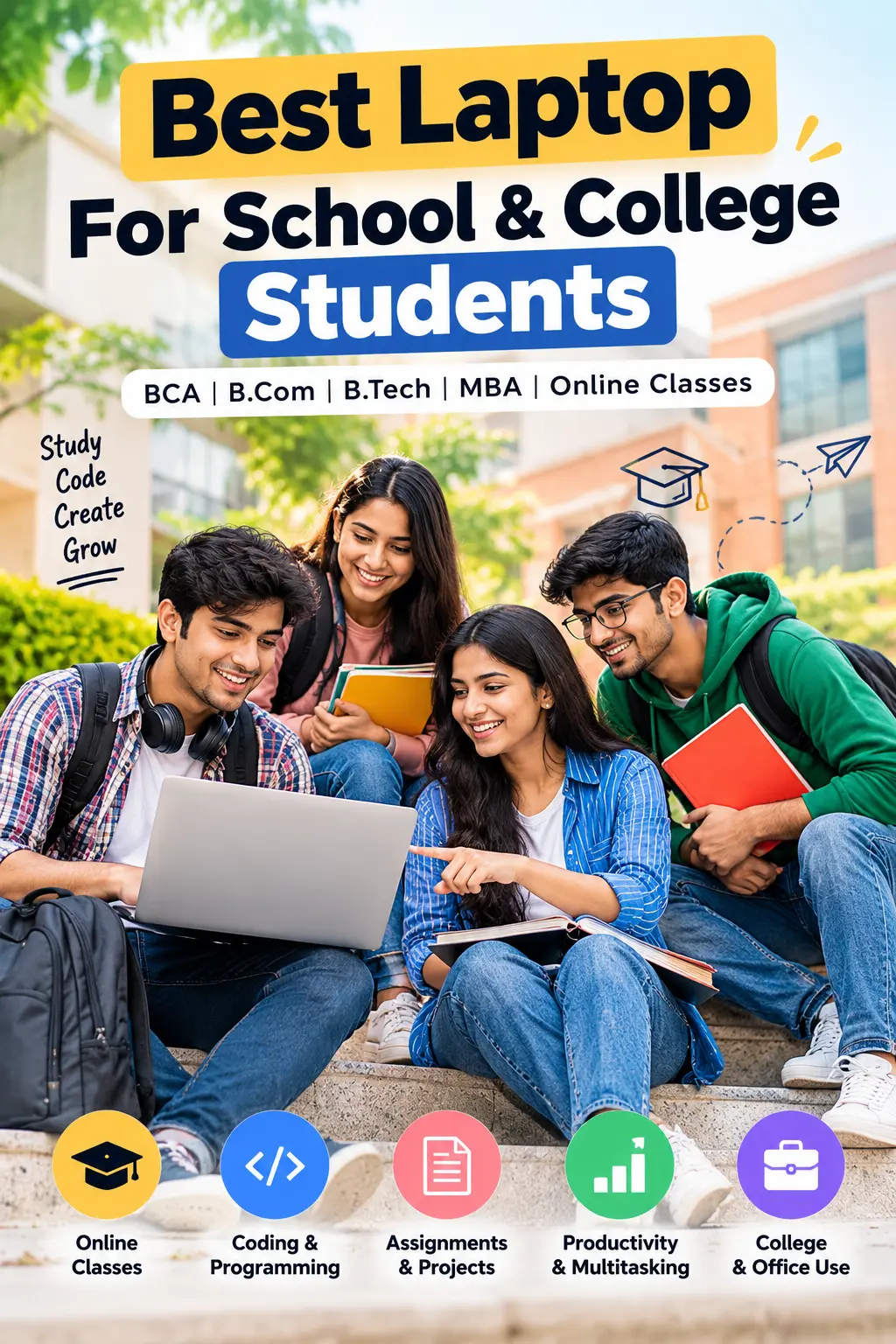
Best Laptop For School & College Students , BCA, B.Com, B.Tech, MBA, Online classes

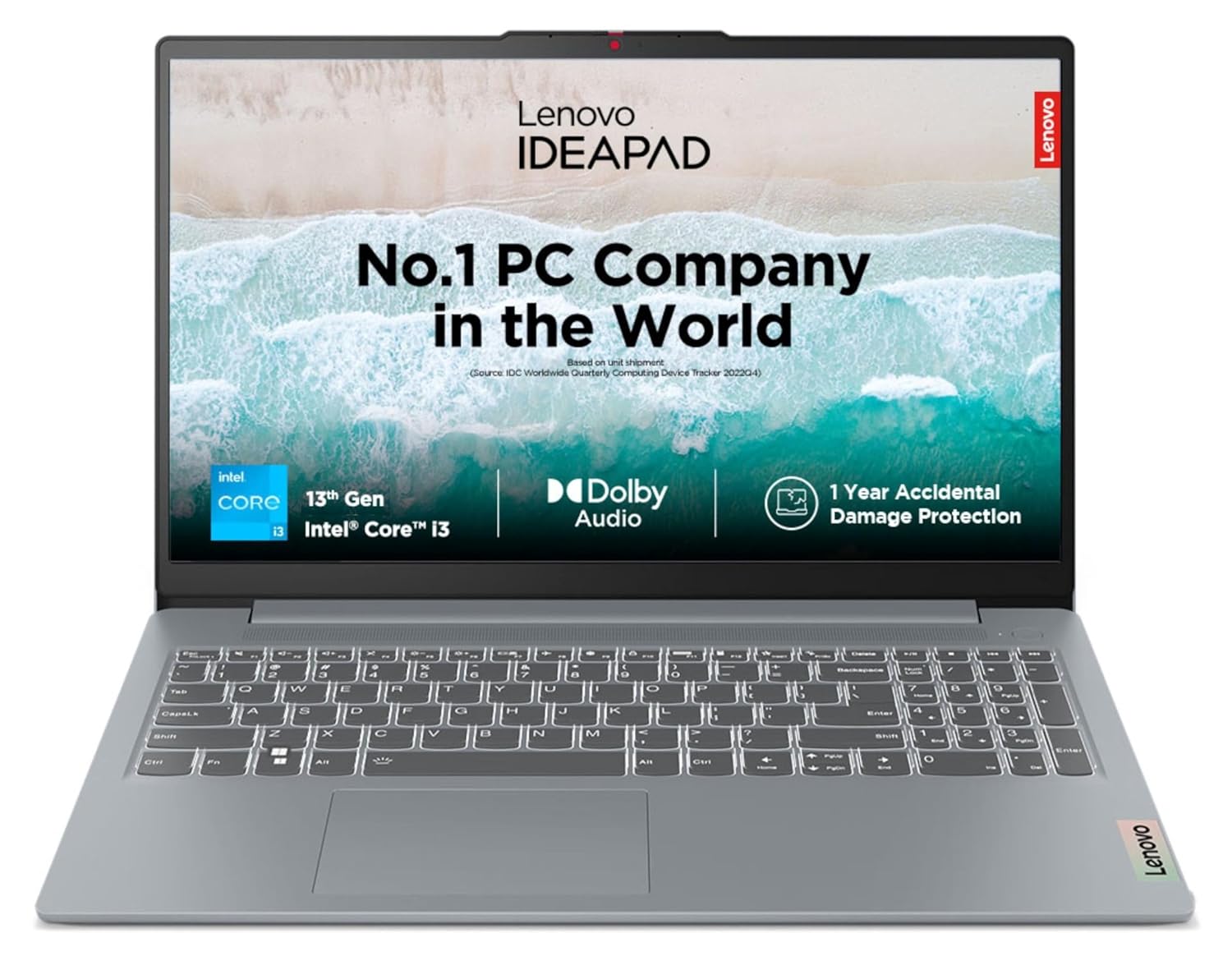
Lenovo IdeaPad Slim 3

₹ Price ₹55,875
Processor Intel Core i3
Display 15-inch
RAM / Storage 8GB / 512GB
Operating System Windows 11 Home
a Amazon
₹55,875
Go To Store

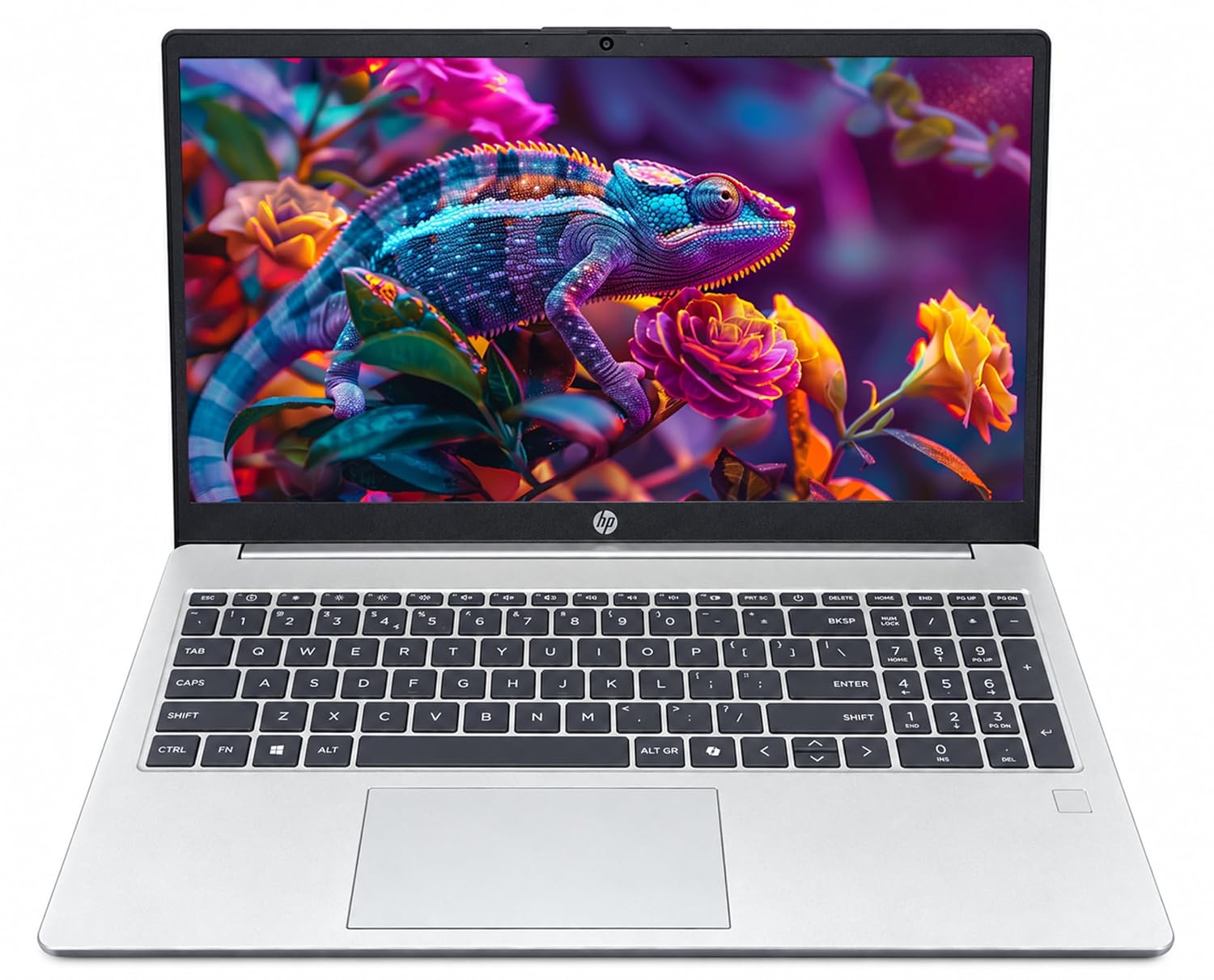
HP 15

₹ Price ₹79,200
Processor Intel Core 7
Display 15.6 Inches
RAM / Storage 16 GB / 512 GB
Operating System Windows 11 Pro
a Amazon
₹79,200
Go To Store

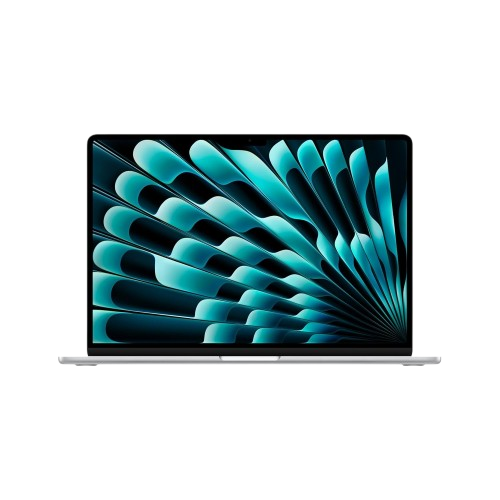
13-inch MacBook Air

₹ Price ₹1,94,990
Processor Apple M4
Display 13.6 Inches
RAM / Storage 24 GB / SSD
Operating System Mac OS
a Amazon
₹1,94,990
Go To Store

Trust BudgetTech for the Most Valuable Investment of your Life When it comes to Laptop Buying Guide

Relaible Laptop recommendations based on actual use case and requirements

Best Laptop For Office & Freelancer Work , Excel & Zooms Meet

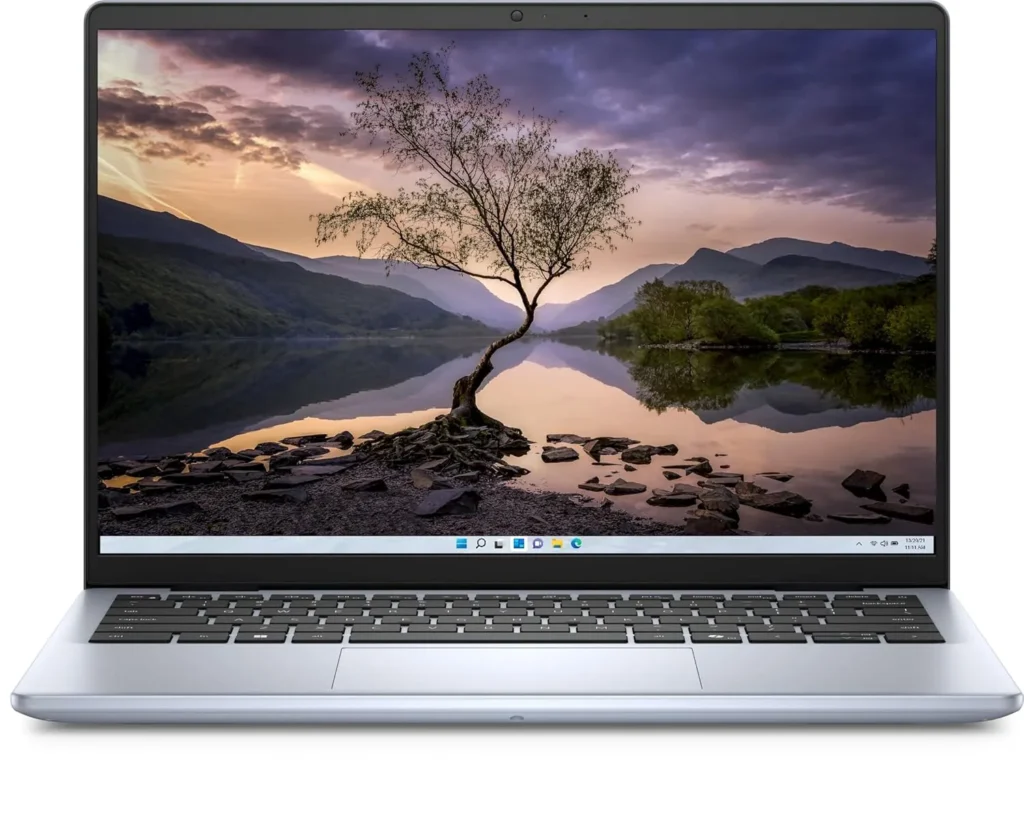
Dell Inspiron 14

₹ Price ₹54,000
Processor Core i3
Display 14 Inches
RAM / Storage 8 GB / 512 GB
Operating System Windows 11 Home
a Amazon
₹54,000
Go To Store

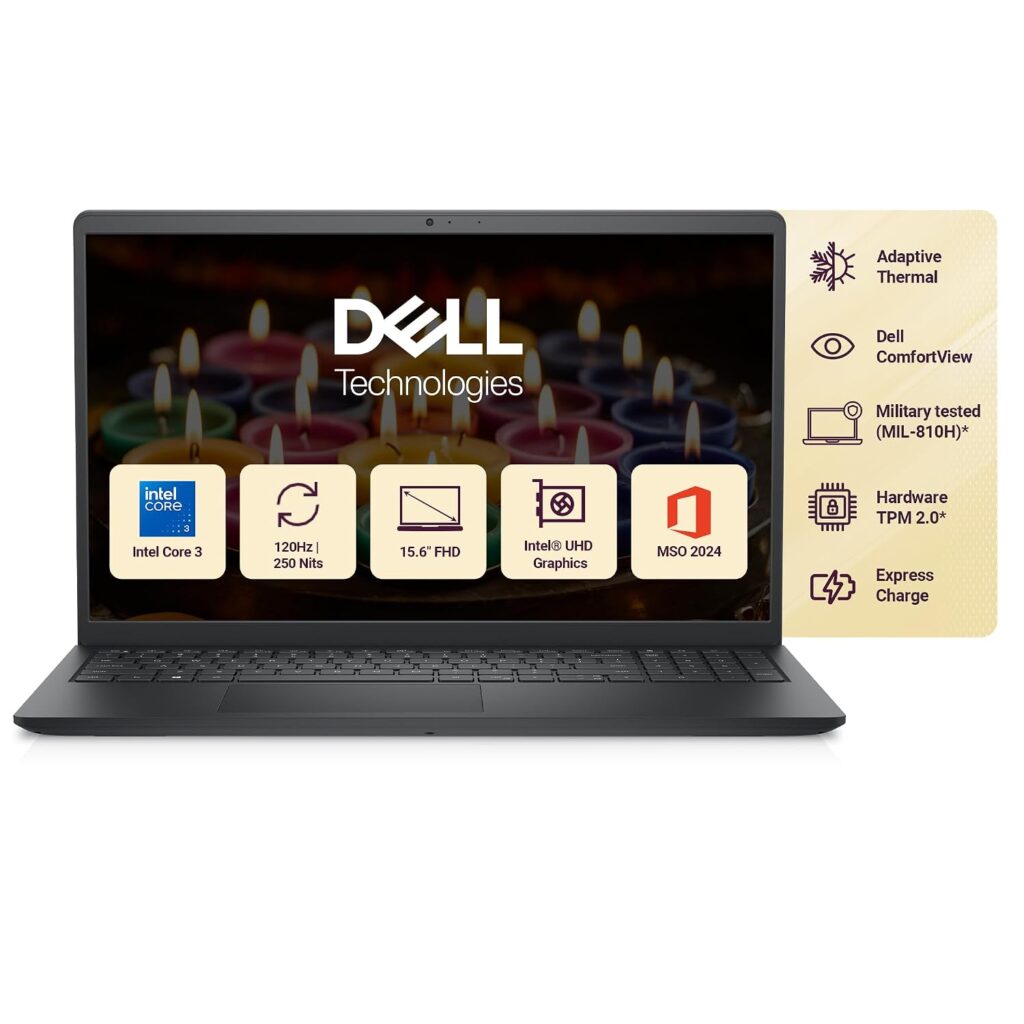
Dell Inspiron

₹ Price ₹56,990
Processor Intel Core 3
Display 15.6 Inches
RAM / Storage 8 GB / 512 GB
Operating System Windows 11 Home
a Amazon
₹56,990
Go To Store

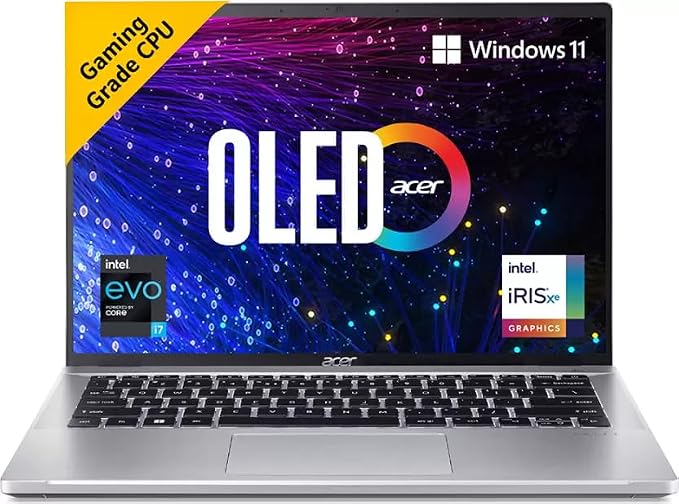
Acer Swift Go

₹ Price ₹1,41,999
Processor Core i7
Display 14 Inches
RAM / Storage 16 GB / 512 GB NVMe SSD
Resolution 2880 x 1800 pixels
Operating System Windows 11 Home
a Amazon
₹1,41,999
Go To Store

Todays Deals on Budgettech

Laptops For All

Hard Case Shells

Dyazo Sleeve Bags

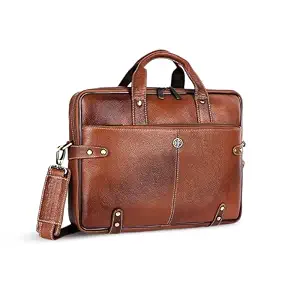
Leather Laptop Bags

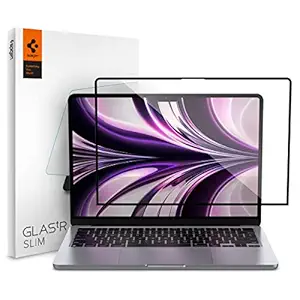
Screen Protector

Testimonials of Our Buyers

While deciding to buy a laptop for my classes and online assignment, I was totally confused, I didn’t know from where to start, but thanks to BudgetTech that help me to find the ideal laptop for me as per my needs and use case.
Rahul kumar From Delhi
I am a video editor and I need professional and high tech laptop. There was no authentic person or guide that helped me. Various online platforms are full of promotional content and advertisement. But, thankfully I came across to BudgetTech and their honest review and proven methodology to choose a a laptop is unmatched, and I couldn’t have bought the best video editing laptop without the help of BudgetTech.

vikas From Pune

FAQ

How Do I Choose the Right Laptop for My Needs?

You can choose your laptop according to your use case. For example if you are student then you may not need any heavy software or app. All you need a laptop that must have high speed internet, 8GB RAM, AMD Ryzen5 series or Intel core i5 series processor, 6 to 8 hours battery life and so on. But if you are a working professional then you need to upgrade RAM , Processor and Storage as per your work demands.

8GB RAM is good for basic work or online classes. But if you use heavy software, work on multiple tabs and you are working professional then it would be good if you consider 16GB RAM.

Both AMD Ryzen 5, 7 or 9 Series or Intel Core i5, i7 , i9 and core Ultra, are magnificent and need of processor  depends on your work.

For online class, school work, basic office task consider 256 GB. If you are a student and you attend daily online class, use multiple software or you are office worker who use various apps and software then 512GB is sufficient for you. Coders, programmers, video editors and gamers should go for 1TB or more storage.

A dedicated GPU is only required when you perform heavy and overloaded task such as gaming, video editing, coding 3D design and engineering. Training in heavy learning machine models such as Data science and AI. But if you perform basic work such as surfing internet, watching movie, basic photo work etc. then you don’t need dedicated GPU

Whether you are student, IT guy, working professionals, video editor or gamer, always look for a laptop that must last for at least 8 to 10 hours.

Scroll to Top