
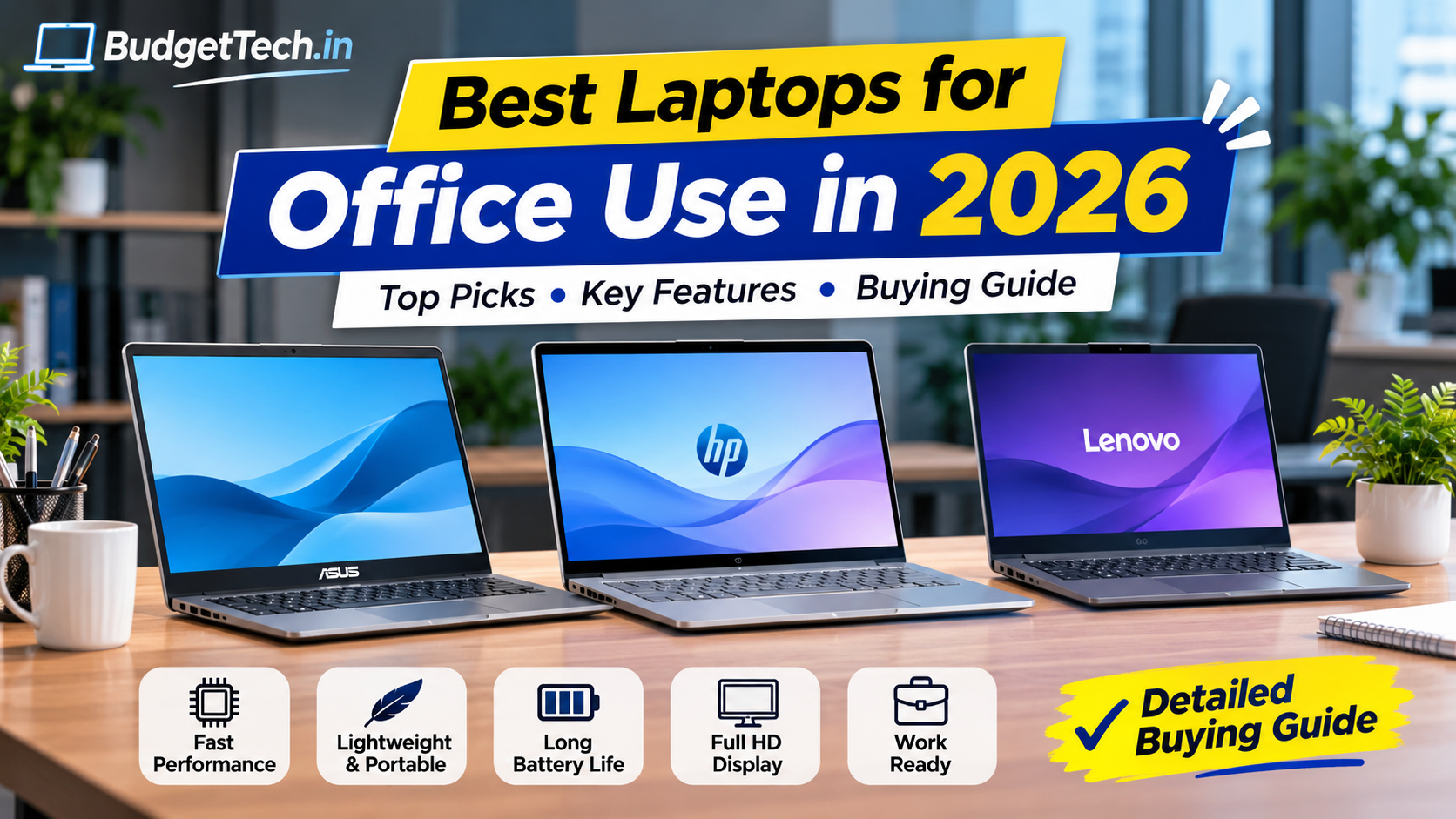
Best Laptops for Office Work and Professionals in 2026
Picture this: it’s 10:55 AM, a client call starts in five minutes, and your laptop decides now is the perfect time to install updates. Most of us have been there. Choosing from the best laptops for office use isn’t about chasing flashy specs. It’s about finding a machine that quietly does its job eight hours a day without drama. Here’s what you actually need, and what it should cost in ₹.
What Really Matters for Office Work
Forget gaming-style spec sheets. For desk jobs, these are the things you’ll feel every day:
- Processor: Core i5 or Ryzen 5 is the sweet spot. Go for Core i7 or Ryzen 7 only if you run heavy software.
- RAM: 16GB. Eight works today, but it slows down once Chrome, Teams and Outlook pile up.
- Storage: 512GB SSD. A hard drive alone is a no.
- Display: Full HD, anti-glare if possible, 300 nits or brighter.
- Battery: 8+ hours of real use, because power cuts and crowded conference rooms happen.
- Keyboard: If you type all day, try it in a store first.
- Weight: Under 1.6 kg if you commute.
Best Laptop for Business: What Makes It Different?
A business laptop differs from a regular consumer model in small but useful ways. You get a sturdier body, a fingerprint reader, proper ports like HDMI and USB-C, and often a better warranty. Expect to pay ₹5,000–₹10,000 more, but these machines handle daily travel better.
Not sure which features you can skip? Our guide on [How to Choose a Business Laptop]( Best Laptops for Office Use) walks you through it.
Laptop for Excel: Don’t Skimp on RAM
If your day lives in spreadsheets, a laptop for Excel needs more muscle than most people expect. Big files with pivot tables, lookups and macros eat memory quickly. Aim for 16GB RAM and a Core i5 or Ryzen 5 at minimum.
A full-size keyboard with a number pad also saves time and wrist strain, so a 15.6-inch model often beats a 13-inch ultrabook. Finance teams working with files above 50MB should consider 32GB.
Laptop for Zoom Meetings: Look Good, Sound Clear
These days, a good laptop for Zoom meetings matters more than the processor name on the box. Check these four things:
- A 1080p webcam (720p is passable, but grainy)
- Dual microphones with noise reduction
- Wi-Fi 6 or newer for stable calls
- Speakers that don’t sound like a tin can
Many budget models still ship with weak cameras, so read the actual spec instead of trusting the marketing line.
Best Laptops for Professionals by Budget
₹35,000–₹50,000: A Solid Start
Look for Core i3 or Ryzen 5, 8–16GB RAM and a 512GB SSD. This is fine for email, documents and video calls. A 16GB model at this price is rare, but festive sales sometimes throw one up.
₹50,000–₹70,000: The Sweet Spot
Most of the best laptops for professionals sit here, with a Core i5 or Ryzen 5, 16GB RAM, a 512GB SSD, a decent screen and a full day of battery. If your budget is tighter, see our list of the Best Laptop Under ₹60000 for Office Work.
₹70,000 and Above: Premium Territory
Think lightweight metal bodies, sharper displays and Core i7 or Ultra chips, or a MacBook Air. A premium business laptop in this range makes sense for client-facing roles and frequent flyers. For a desk-bound job, it’s often overkill.
Small Habits That Boost Productivity
Even the best laptop for productivity can’t fix messy habits. A few things help more than any spec upgrade:
- Add a second monitor. A ₹8,000–₹12,000 screen often does more than a processor jump.
- Keep your SSD below 80% full.
- Back up files to OneDrive or Google Drive.
- Pick a backlit keyboard and a smooth trackpad. You’ll notice them every single day.
Working for yourself? Our roundup of the Best Laptops for Freelancers was written for solo workers who need to stretch every rupee.
Before You Pay: A Quick Checklist
- Check the generation. A newer Core i3 can beat an old Core i5.
- Confirm service support in your city, not just a toll-free number.
- Keep the GST invoice. It’s needed for warranty and for claiming input tax credit.
- Ask about Windows and MS Office. Office is often not included.
- Compare online and offline prices during Diwali and Republic Day sales.
Final Thoughts
You don’t need the most expensive machine, just the right one for your work. Start with 16GB RAM, an SSD and a screen you can stare at all day, then add extras only where your job demands them. Whether you’re shortlisting the best laptops for professionals or picking a first work machine, a calm comparison beats a rushed sale purchase. For more honest, no-nonsense buying advice, keep following BudgetTech, and choose a laptop for productivity that fits your workday instead of fighting it.
Frequently Asked Questions
How much RAM is enough for office work?
16GB is the safe choice in 2026. Eight works for basic tasks, but it struggles with many tabs and apps open.
Is a Core i3 laptop enough for daily office tasks?
Yes, if it’s a recent generation and you only handle documents, email and calls. Heavy spreadsheets or multitasking need a Core i5 or Ryzen 5.
What’s the best laptop for business travel?
The best laptop for business travel is a light one, under 1.5 kg, with 10+ hours of battery and USB-C fast charging. A sturdy body helps too
Can a budget model work as a laptop for Zoom meetings?
It can, if it has a 1080p webcam, decent microphones and Wi-Fi 6. Check these specs before buying, as many cheaper models skip them.
Which is Best: Windows or MacBook for office work?
Windows suits most Indian workplaces because of software compatibility and lower prices. A MacBook is great for battery and build, but check that your company software supports it.