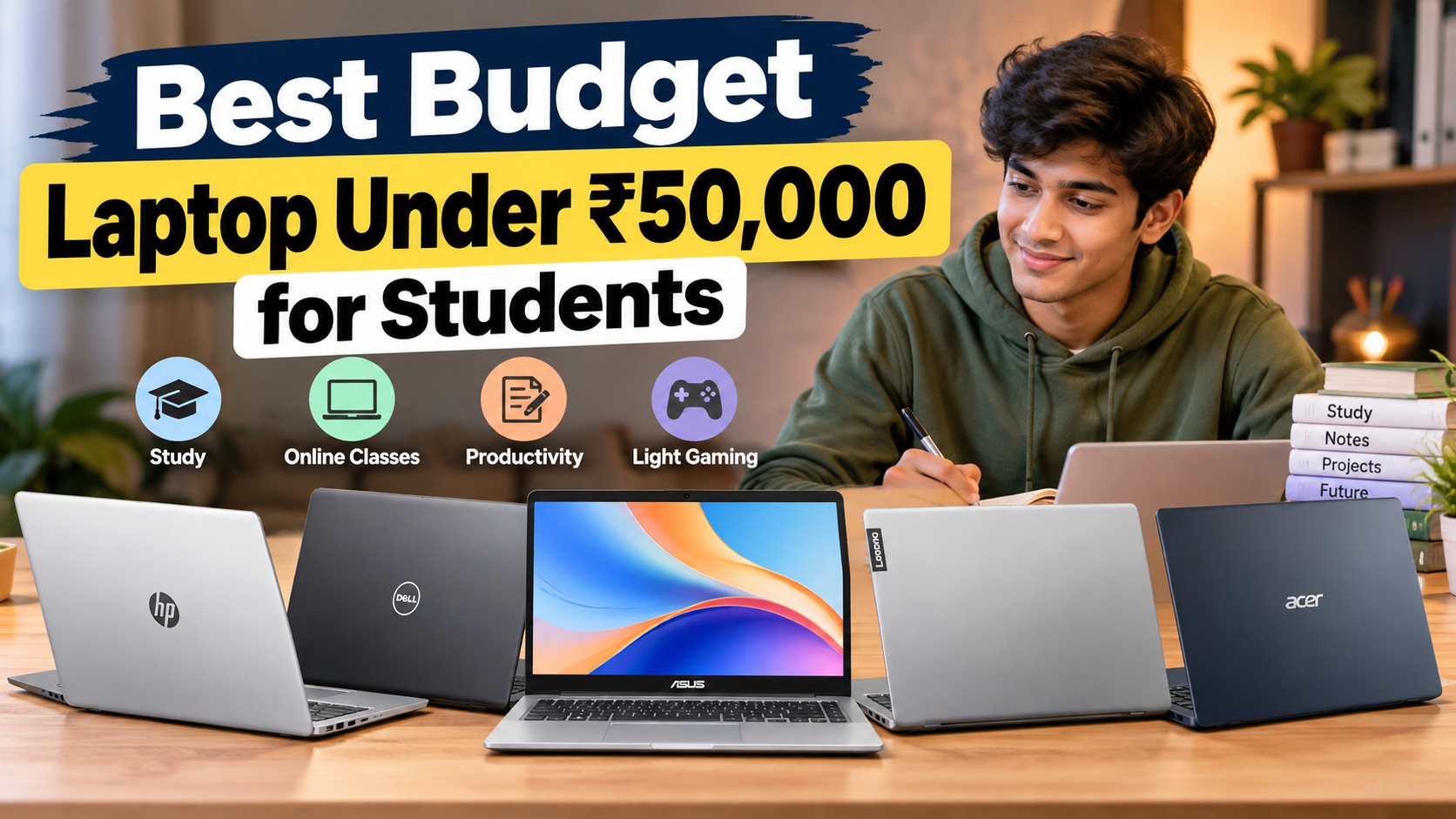


Best Laptop for BCA Students in 2026
Your first semester of BCA starts with “Hello World” and ends with you running a code editor, a browser full of Stack Overflow tabs and a music player, all at once. That’s exactly why the right laptop for BCA students matters more than most people think. Buy wisely and it will quietly carry you through three years of projects and viva files. Buy badly and you’ll be staring at a frozen screen the night before submission.
Here’s a simple, honest breakdown of what to buy, what to skip and what it should cost in ₹.
What a BCA Course Actually Demands
BCA isn’t as heavy as engineering, but it’s not just typing notes either. Over three years you’ll write C, Java, Python and web code, run databases like MySQL, build small apps and maybe try Android Studio or a virtual machine.
That means your machine needs to stay smooth while several things run together. You don’t need a gaming beast. You need a balanced, dependable setup.
The Specs That Matter (and the Ones That Don’t)
Processor
A Core i5 or Ryzen 5 from a recent generation is the sweet spot. Core i3 works if money is tight, but you may feel it later. If you’re curious about how processors really differ for developers, our guide on [Which Laptop Processor Is Best for Coding?](Best laptop for students ) goes deeper.
RAM
Go for 16GB. Code editors like VS Code, Android Studio and browsers are hungry, and 8GB fills up faster than you’d expect. If you’re unsure, read our explainer on how much memory you need in [How Much RAM Do I Need?]( HP Laptop For Students ) before you decide.
Storage
A 512GB SSD is comfortable. 256GB runs out quickly once you install tools, projects and a few virtual machines. Never pick a laptop with only a hard drive.
Display and Keyboard
Full HD is the minimum. And since you’ll be typing code for hours, a keyboard with good key travel and a backlight is worth more than a fancy design.
Battery and Weight
Look for 6 to 8 hours of real use and a weight under 1.8 kg. Lecture halls rarely have a plug near your seat.
Best Laptop for BCA Students by Budget
₹35,000 to ₹45,000: Getting Started
Expect a Core i3 or Ryzen 3/5, 8GB RAM and a 512GB SSD. It handles basic coding and notes well. Choose a model where the RAM can be upgraded later, so you can move to 16GB when you’re ready.
₹45,000 to ₹60,000: The Smart Choice
This is where a laptop for BCA students makes the most sense. You get a Core i5 or Ryzen 5, 16GB RAM and a 512GB SSD. It stays quick through coding, web development and light virtual machines for all three years.
₹60,000 to ₹80,000: Future-Proof
Worth it if you plan to explore app development, data science or machine learning. Look at Ryzen 7 or Core i7, 16GB or more RAM and possibly entry-level dedicated graphics.
Choosing a Laptop for Coding Students
A good laptop for coding students doesn’t need flashy extras, but a few small things make daily life easier:
- A comfortable, backlit keyboard for late-night debugging
- Enough ports (USB-A, USB-C, HDMI) to connect a mouse or projector
- Decent cooling, so the fan doesn’t scream during compilation
- A 14-inch or 15.6-inch screen, depending on whether you carry it daily
Dedicated graphics aren’t necessary unless you’re heading into game development or AI work.
Laptop for Programming: Windows, Mac or Linux?
For most laptop for programming needs, Windows is the safest and cheapest option in India. It supports almost every tool taught in BCA, and you can run Linux alongside it if you want to experiment.
MacBooks have fantastic battery life and are great for web and iOS development, but they cost more. Check that your college software works on macOS before spending that much.
A Practical Laptop for Assignments
Deadline week is when your machine gets tested. A reliable laptop for assignments should handle Word, PowerPoint, Excel, PDFs and a dozen browser tabs without freezing.
Keep your work backed up on Google Drive or GitHub. A good laptop can still fail, and losing a project file is far worse than a slow one.
The All-Rounder: Laptop for College Students
Even if your BCA focus is coding, you’ll also watch lectures, join online classes and maybe stream a movie in the hostel. Any decent laptop for college students should have a 1080p webcam or at least a clear 720p one, Wi-Fi 6 and solid speakers. These small things matter more than you’d think during online sessions.
Mistakes BCA Students Often Make
- Chasing a gaming laptop. It’s heavy, drains its battery fast and costs more than you need.
- Ignoring the generation. A newer Core i3 can beat an older Core i5.
- Buying 4GB or 8GB and hoping for the best. Memory is where cheap laptops cut corners.
- Skipping service support. Check that the brand has a service centre in your city.
- Forgetting the invoice. Keep your GST bill safe for warranty claims.
Set aside ₹2,000 to ₹4,000 for a bag, mouse and extended warranty too.
Frequently Asked Questions
Is 8GB RAM enough for BCA?
It works for the first year, but 16GB is much safer for coding tools and multitasking across three years.
Do BCA students need a graphics card?
Not for regular coding and assignments. You only need one for game development, video editing or machine learning
Which processor is best for a BCA student?
A recent Core i5 or Ryzen 5 gives the best balance of speed and price for most BCA work.
Can I use a MacBook for BCA?
Yes, especially for web and app development. Just confirm your college tools run on macOS first.
How long will a BCA laptop last?
With 16GB RAM and an SSD, it should comfortably last four to five years.
Final Thoughts
You don’t have to buy the most expensive machine to do well in BCA. Pick a recent Core i5 or Ryzen 5, 16GB RAM and a 512GB SSD, and you’re covered for almost everything. Take your time, compare two or three models, and read real user reviews before paying. For more honest and practical buying advice, keep following BudgetTech.